The problem
The IT Training Center ran its workshops with separate tools: forms for registration, paper attendance sheets, certificates built by hand, and reports put together from spreadsheets. Because of that, nothing proved a certificate holder had actually attended. Annual reporting also meant rebuilding numbers by hand.
What I built
One platform that connects a student's verified university identity to a credential the public can check.
Public site: event listings, speaker profiles, announcements and a step-by-step registration guide. It also has a sitemap, robots.txt and llms.txt so it can be found.
CatSU Gateway sign-in: students sign in through the university's single sign-on, and signing out from the Gateway signs them out here too. Staff, speakers and admins use local accounts. Each account can have only one active session, and a user can switch roles without signing in again.
Registration with eligibility rules: events can require approval and can be limited by college, program or year level. These rules use academic data from the student information system.
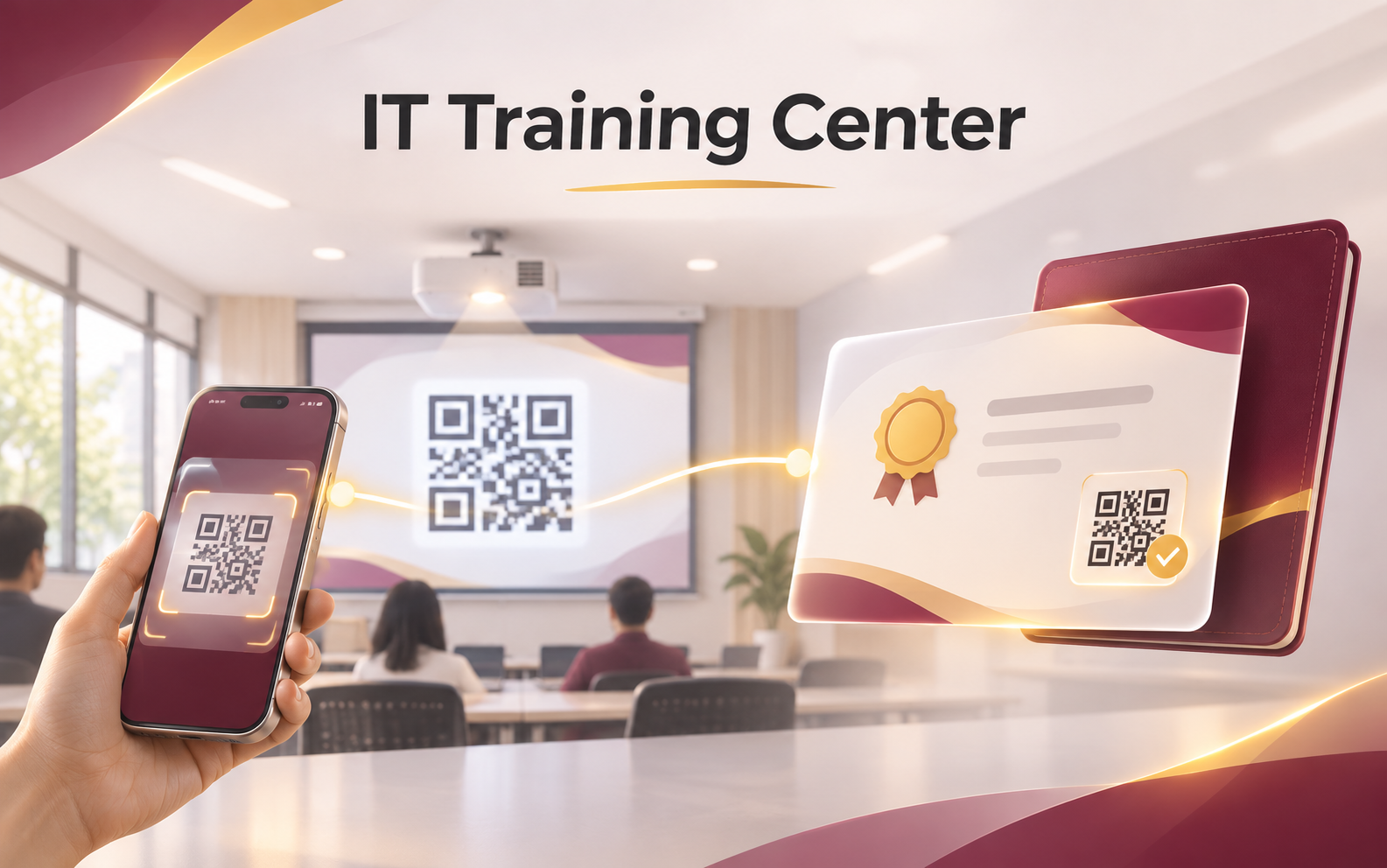
QR check-in at the venue: staff put a rotating QR code on a projector, and students scan it with their phone camera. If a student isn't signed in yet, check-in continues once they are. Staff can also check people in by hand.
Evaluations: feedback forms are built per event, results are summarized, and speakers read the feedback on their own sessions.
Verifiable certificates: PDFs are issued only after attendance and evaluation are complete, and they're emailed to the student. Anyone can check one at
/verify/{code}.Training Passport: each student's lasting record of completed trainings, downloadable as a PDF.
Reporting
Annual reports (PDF and Excel), participation and per-event spreadsheets, attendance sheets, evaluation summaries and activity reports all come straight from recorded data. Printed attendance records and evaluation summaries carry signed QR links, so anyone can check that a printout is genuine.
Operations
Audit log with export
Request monitoring and health alerts
Security page with IP blocking and trusted IPs
Email notifications for registration status, reminders with calendar invites, evaluation requests and issued certificates
Built for the venue
Students use it on their phones, often on weak mobile data. Check-in and the main student pages are kept light so they still work on slow connections.